 Binnacle Dev
Your control panelfor AI development.
A local app and a set of skills for working with coding agents. Plan tasks, give agents your project context, and track progress and token usage.
Works with Git, Markdown and your issue tracker. You choose the tasks and start the agents.
Node.js 24 LTS Linux · macOS · Windows



From project knowledge to work
Your project
Binnacle- Context for the agent
- Task status
- Token usage
Installation
Connect Binnacle to your project.
Install the tool and run these commands from your project directory. binn init shows a setup plan and asks for confirmation. The dashboard opens in your browser.
npm i -g @it-bbox/binnacle
binn daemon start
binn init
binn dashboard
Skills for your coding agent are connected during setup. Works with new projects and existing codebases.
Node.js 24 LTS, on Linux, macOS or Windows. A free loopback port: the dashboard uses http://127.0.0.1:7717 by default; with autostart off, binn daemon start takes another port from BINNACLE_PORT.
Docker is not needed for Binnacle itself: it is one local daemon, and a container adds a published port and a second home to look after — use it only when your app already runs in one.
Inside Binnacle
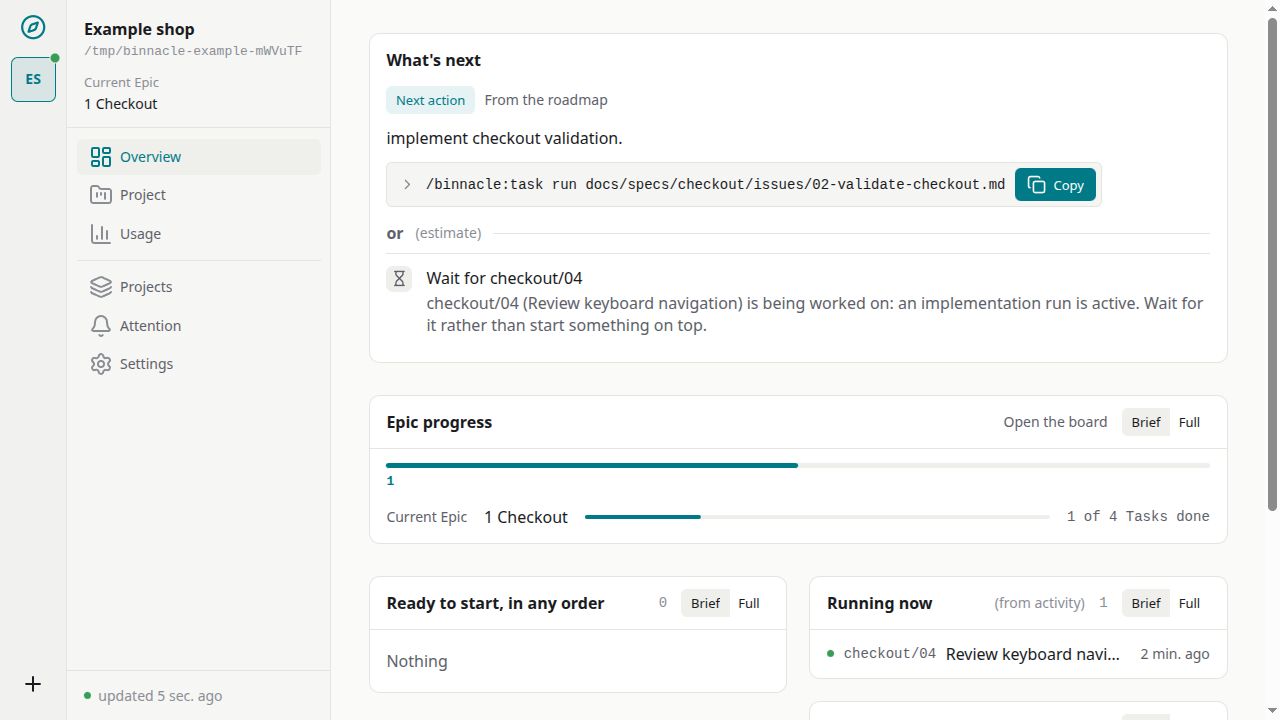
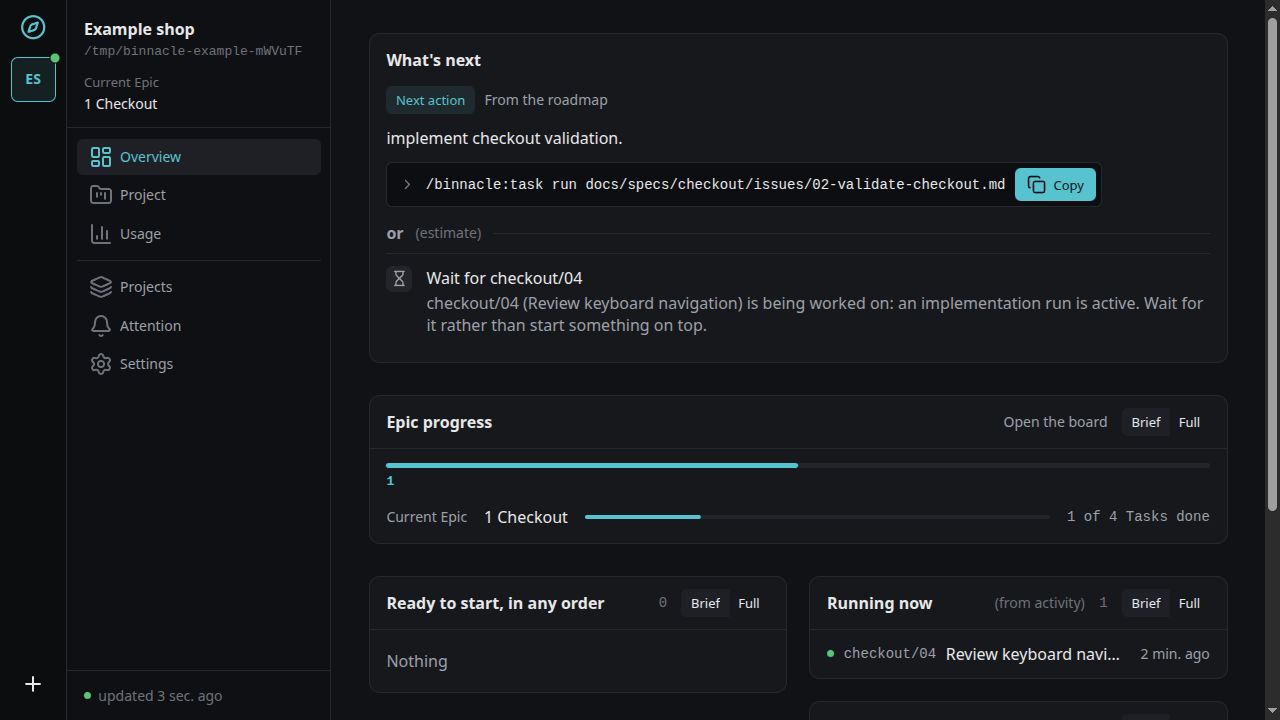
Tasks, token usage and agent activity.
Choose a section. Each screen answers a different question about the work.